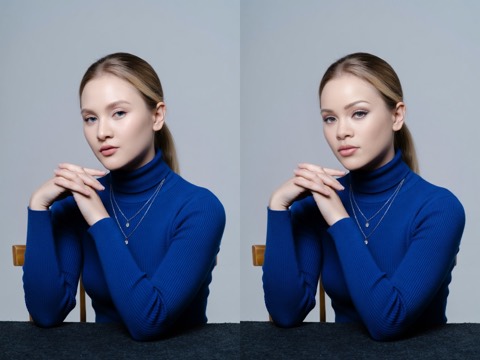
PHOTO
Image Face Swap
Upload a photo, select the faces you want to replace, and add new face photos. Works for portraits, group photos, and profile pictures.

CHOOSE YOUR FORMAT
Choose what you want to change. Each tool opens directly, so you can start with your own media.
Upload a photo, select the faces you want to replace, and add new face photos. Works for portraits, group photos, and profile pictures.
Upload a video and one face photo to replace a single face — or detect the faces in your video and swap several at once.
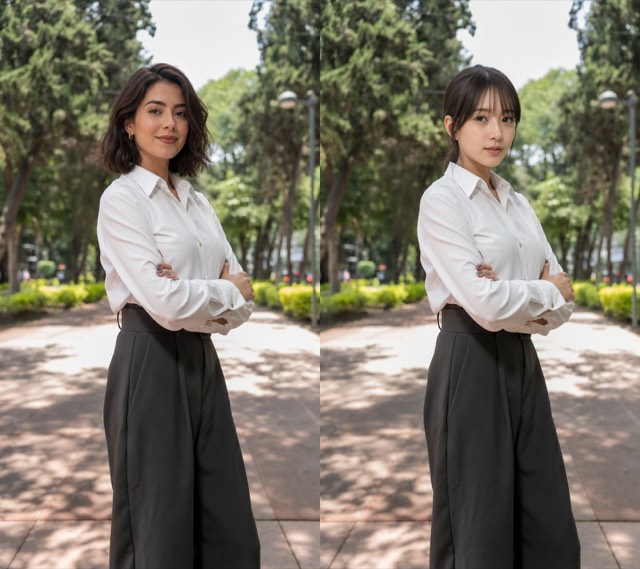
Upload the image you want to edit and the head you want to use, and the whole head is swapped for you. One tap to switch the two inputs.
HOW IT WORKS
Upload the photo you want to edit — from your device or your NiceGen history.
Click Detect Faces, then select exactly which faces you want to replace.
Upload a replacement face for each selected face and click Generate.
Single Face
Upload the video you want to edit.
Upload the face photo you want to use.
Click Generate — no face detection needed.
Multiple Faces
Upload the video you want to edit.
Click Detect Faces to find every face in the video.
Select the faces to replace and upload a replacement photo for each.
Click Generate to create your video.
Upload the Source Image — the picture you want to edit.
Upload the Head Image — the head you want to use. Use the swap button anytime to switch the two.
Click Generate — no face detection needed.
Choose the output settings that fit how you want to save or share each creation.
Swap a face in a photo, swap faces in a video, or move a whole head. Create a free account and start with 10 free credits.