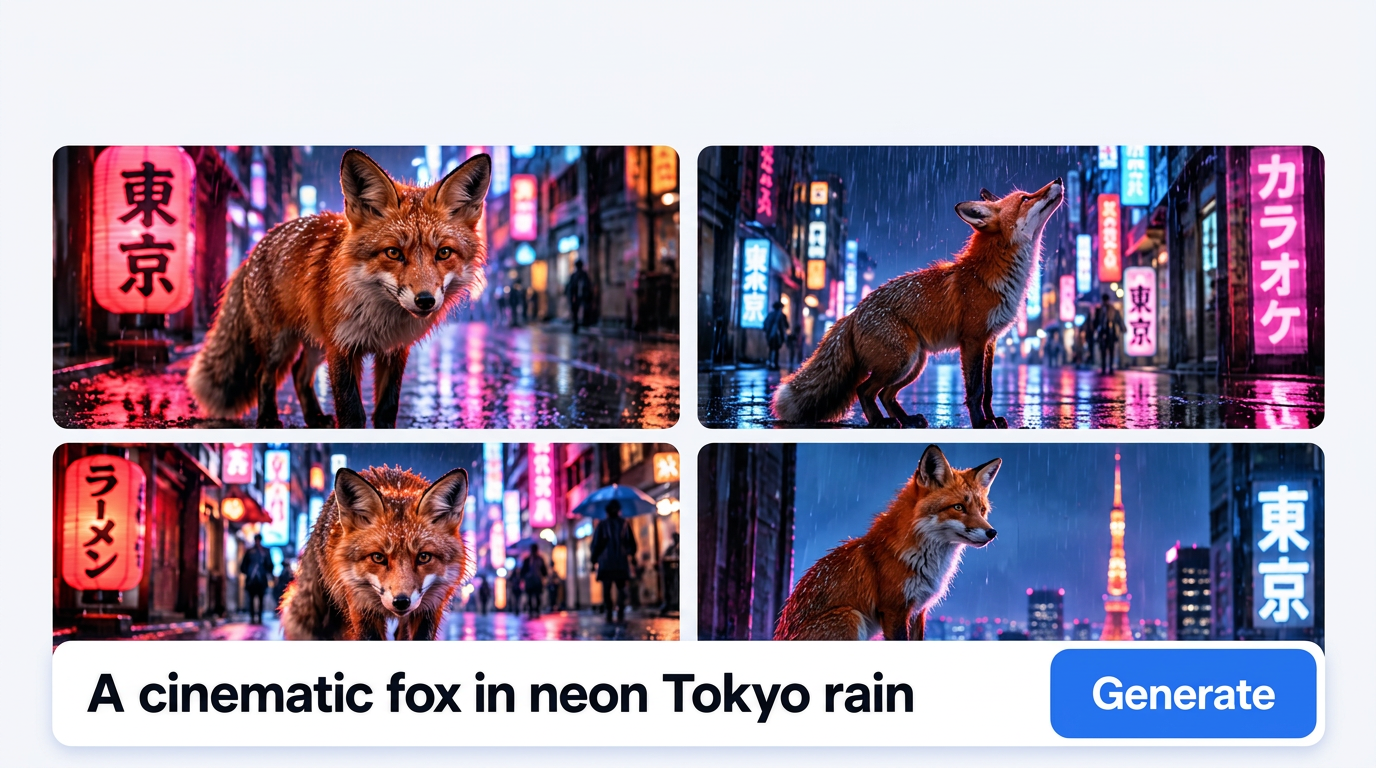
FROM WORDS
Text to Image
Describe what you want to create and generate an image from your prompt, starting with NiceGen Z-Image and other supported models.

CHOOSE HOW TO CREATE
Generate from text, use a reference photo, or edit a selected area to get the result you want.
Describe what you want to create and generate an image from your prompt, starting with NiceGen Z-Image and other supported models.
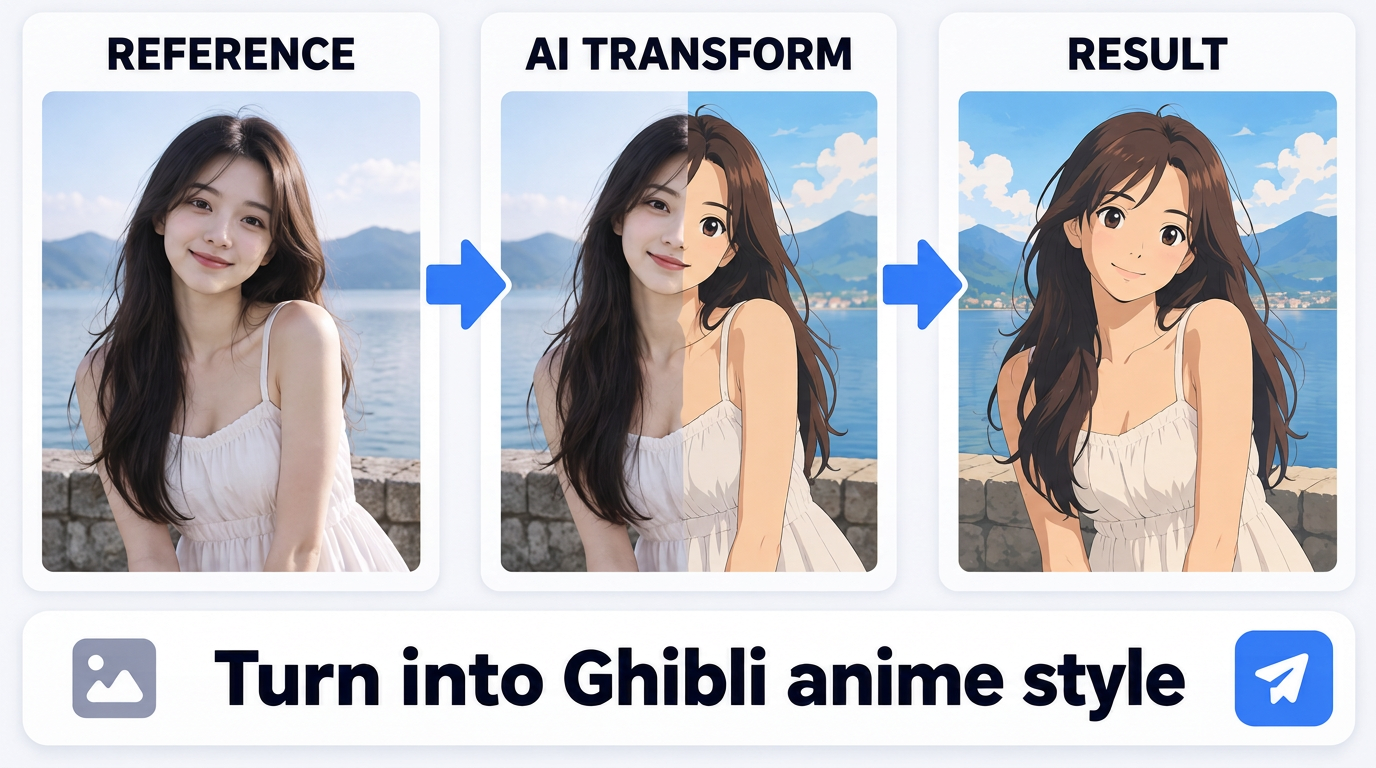
Upload an image to create a new result. NiceGen Q-Image supports one required image and up to two optional reference images.
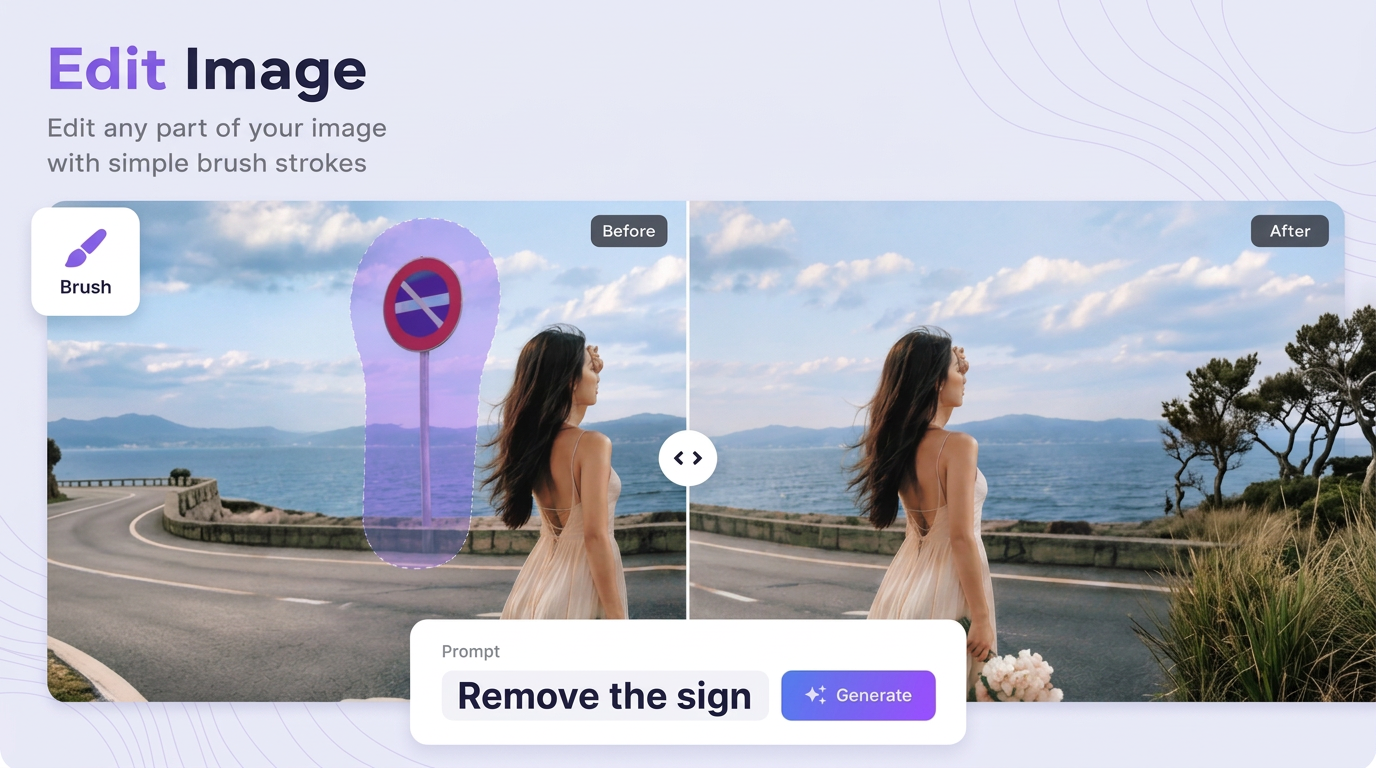
Open an image in the editing canvas, select what to change, and describe the result you want in words.
HOW IT WORKS
Describe the image you want to create.
Choose a model and the available settings.
Click Generate to create your image.
Add the required image from your device or history.
Add optional reference images and write a prompt.
Choose a model and click Generate.
Upload an image or choose one from history.
Select the area to change and describe the edit.
Choose an editing model and click Generate.
AI IMAGE
Each tool includes models suited to its creation method. Check the available selection inside the tool.
Model availability and settings vary by workflow.
Choose a workflow and start with the 10 free credits included with a new account.