


Product Background Remover and Cutout Editor
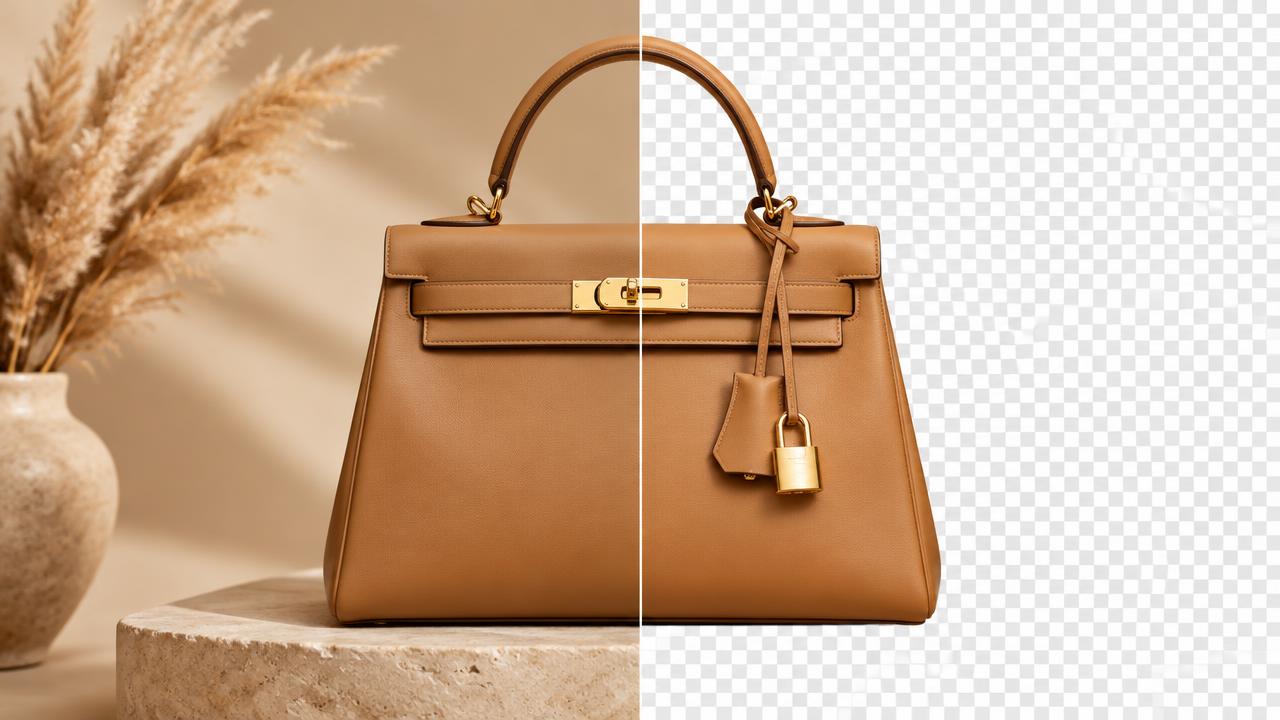
Remove a product photo’s background, preview a new scene, add text or a logo, and export listing images as transparent PNG or JPG.
Edit your product photo
- Start with a product image or choose one from history.
- Use a transparent, solid, gradient or scene background.
- Add text, a logo or stickers and compare with the original.
Export for your store
Choose the original dimensions, a custom canvas or a marketplace preset. Export PNG to preserve transparency, or JPG for a white-backed image.
Upload Image
Click or drop to upload
Supports JPG/PNG/WEBP files, 15MB max file size
No Watermark
Public Visibility
Cost: 1 credits
History
No processing records yet
Choose an image, open the editor and export to see your result here.